
Возможности программы
- Поиск и воспроизведение музыки из вашей фонотеки.
- Прослушивание радио с SomaFM, Digitally Imported, RadioTunes, JAZZRADIO.com, ROCKRADIO.com, ClassicalRadio.com, Intergalactic FM, Radio-Browser.info и Icecast.
- Просмотр и воспроизведение музыки из Jamendo, Magnatune, серверов Subsonic и медиасерверов Plex.
- Поиск и воспроизведение песен, загруженных в Box, Dropbox, Google Drive, OneDrive и Seafile.
- Скробблинг прослушанного в Last.fm.
- Создание умных и динамических плейлистов.
- Вкладки для списков воспроизведения, импорт и экспорт M3U, XSPF, PLS, ASX и WPL.
- Поддержка CUE sheet.
- Проигрывание аудио-CD.
- Эквалайзер и индикатор тона.
- Визуализация из projectM.
- Тексты песен из ваших файлов и LRCLIB, отображаются синхронно с песней там, где указано время.
- Биографии и фотографии исполнителей.
- Перекодирование музыки в MP3, Ogg Vorbis, Ogg Opus, Ogg Speex, FLAC, AAC, WMA или WAV.
- Редактирование тегов и упорядочивание вашей музыки.
- Получение тегов к файлам с сервиса MusicBrainz.
- Поиск, загрузка и синхронизация подкастов с gpodder.net.
- Загрузка недостающих обложек альбомов из Last.fm, MusicBrainz и Discogs.
- Кроссплатформенность — работает в Windows, macOS и Linux.
- Светлая и тёмная темы или следование системной теме.
- Встроенные уведомления рабочего стола и элементы управления мультимедиа в Linux, macOS и Windows.
- Удалённое управление с помощью устройства Android, iPhone или iPad, Wii Remote, MPRIS или командной строки.
- С Clementine Remote просматривайте свою фонотеку и интернет-сервисы, загружайте песни и слушайте музыку Clementine на своём телефоне.
- Копирование музыки на ваш iPod, MTP-плеер или USB-накопитель.
- Менеджер очереди воспроизведения.
Clementine — это современный проигрыватель музыки и менеджер фонотеки
Clementine — кроссплатформенный музыкальный плеер. Он вобрал в себя лучшее от Amarok 1.4, сделав упор на скорость и лёгкость поиска и воспроизведения вашей музыки.

Clementine Remote
Управляйте Clementine удалённо с вашего устройства Android
Хотите получать каждое изменение сразу после его появления? Присоединяйтесь к бета-версии, чтобы получать сборки для разработчиков.
Google Play and the Google Play logo are trademarks of Google LLC.
Скриншоты
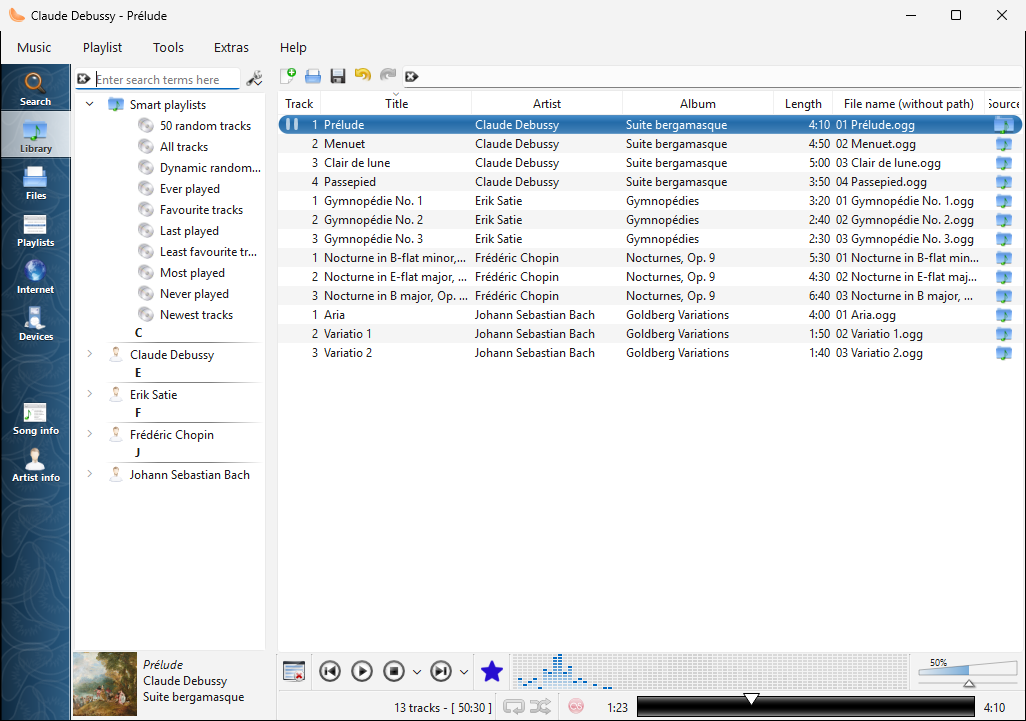
Фонотека на Windows |
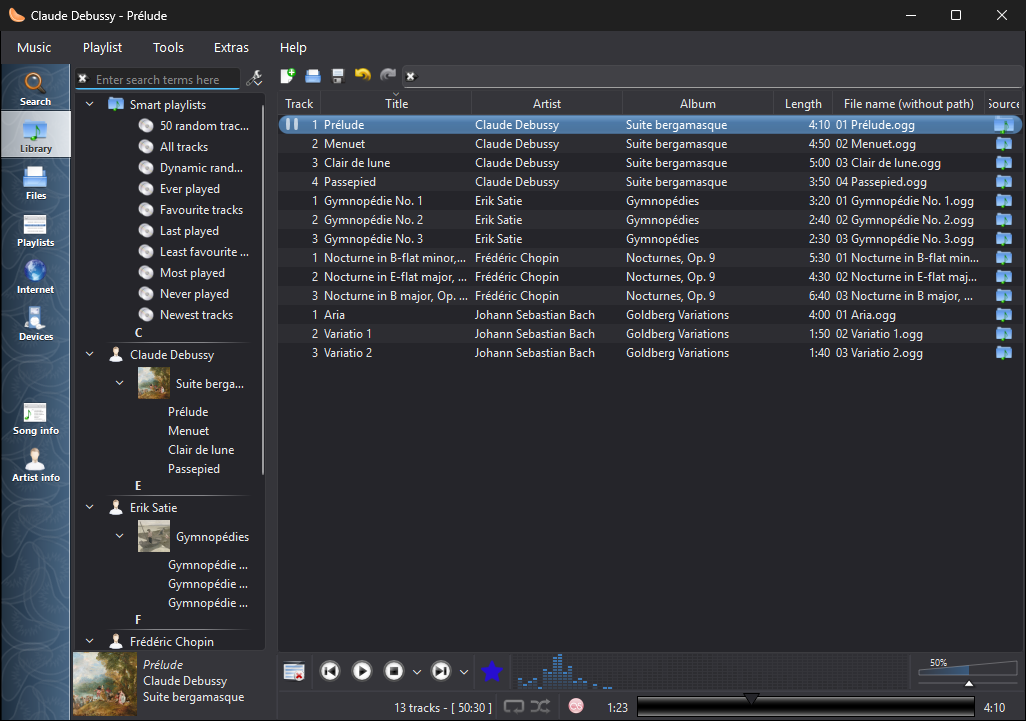
Фонотека на Windows с тёмной темой |
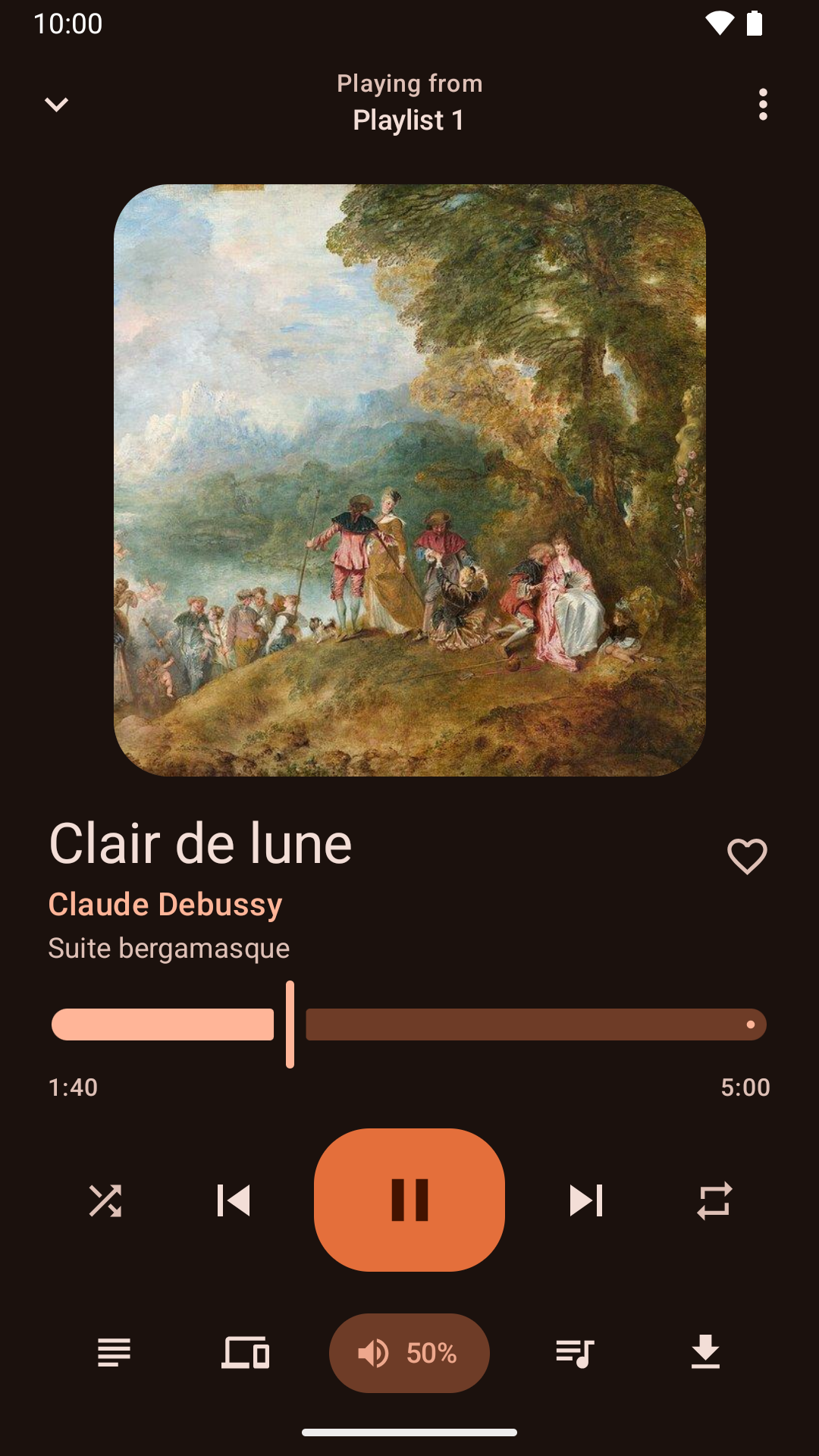
Управление воспроизведением с помощью Android приложения |
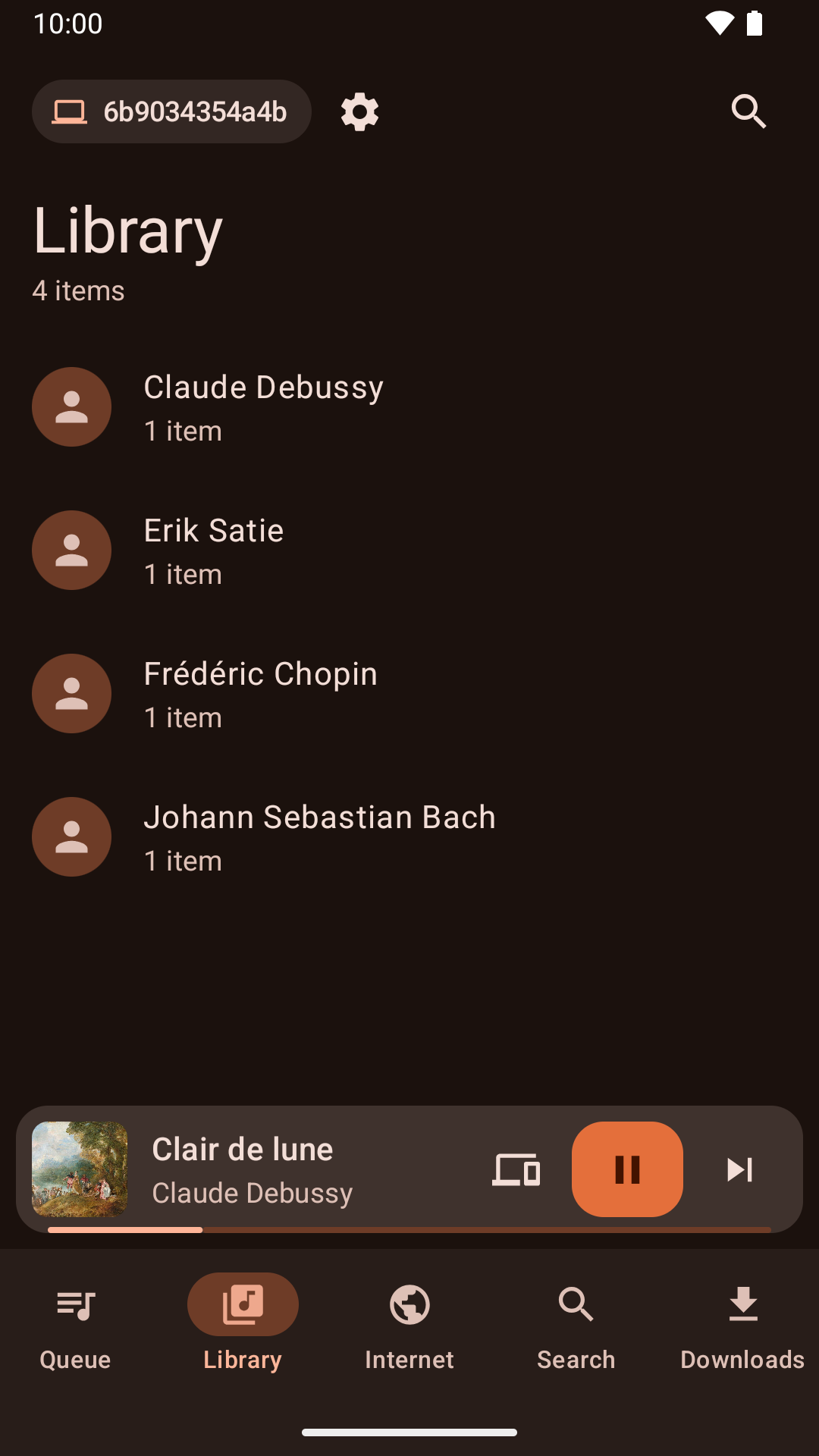
Просмотр фонотеки из приложения для Android. |
Новости
Version 1.4.3 released - понедельник, 26 октября 2026 г.
- About Clementine and About Qt work again in the macOS application menu.
- With the theme following the system, Clementine switches between light and dark as soon as the system does.
- On macOS, Plex tracks and other streams from servers with newer certificates now play, instead of failing with "Internal data stream error".
- The Dock icon's play and pause badge fits in with current macOS, and the icon is sharp on Retina screens.
- On Retina screens, the playlist's Source column shows its icons at full size again.
- On macOS, Clementine's icons use the system's SF Symbols: sharp at any size, and following light and dark mode.
- Clementine Remote no longer mixes up songs Clementine can't read (a missing file, say) with a playlist's first song.
- Clementine Remote shows songs Clementine can't read (a missing file, say) as the playlist does, rather than as empty rows.
- The tray icon's play and pause badge is now visible on dark panels.
- Remotes name this computer by its host name when choosing where to play.
- Fixed an occasional crash while Clementine reads tags, such as when scanning the library.
- The remote control settings link to the new Clementine Remote for Android on Google Play.
- The remote control settings no longer link to ClemRemote, the alternative remote app.
- Play music on a Chromecast or other Google Cast device: turn on "Allow playing on remote devices" in the network remote settings, then choose the device with the Cast button next to the volume slider.
- Album covers in the now-playing area are now sharp on high-resolution screens.
- Under GNOME, Clementine uses GNOME's own icons for its buttons and menus, matching the rest of the desktop in light and dark mode.
- Clementine has numbered releases again, every week there's something new. Development builds from every change are pre-releases on GitHub.
- Fixed streams sometimes never starting when they're opened as Clementine starts, from the command line or a remote.
- Fixed adding songs and streams from a remote's Browse tab on Ubuntu 24.04 and Debian 12.
- Streams that connect but send nothing now fail after five seconds with an error, instead of waiting for ever.
- Clementine's scalable icon is now square, as Linux app launchers expect.