
Esittely & ominaisuudet
- Etsi ja soita musiikkia koneeltasi.
- Kuuntele internet-radioita, mm. SomaFM, Digitally Imported, RadioTunes, JAZZRADIO.com, ROCKRADIO.com, ClassicalRadio.com, Intergalactic FM, Radio-Browser.info ja Icecast.
- Selaa ja toista musiikkia lähteestä Jamendo, Magnatune, Subsonic-palvelimet ja Plex Media-palvelimet.
- Etsi ja toista kappaleet, jotka olet lähettänyt palveluun Box, Dropbox, Google Drive, OneDrive ja Seafile.
- Kuunneltu musiikki tilastoihin Last.fm.
- Luo älykkäitä ja dynaamisia soittolistoja.
- Soittolistat välilehtinä, vie ja tuo M3U, XSPF, PLS, ASX ja WPL.
- Tuki CUE-tiedostoille.
- Toista ääni-CD:itä
- Taajuuskorjain ja tunnelmapalkki
- Visualisoinnit tarjoaa projectM.
- Sanoitukset omasta tiedostosta ja LRCLIB, näytetään tahdistetusti kappaleen aikana.
- Esittäjän elämänkerta ja valokuvat.
- Muuntaa musiikkia esim. MP3, Ogg Vorbis, Ogg Opus, Ogg Speex, FLAC, AAC, WMA tai WAV.
- Muokkaa tunnisteita ja järjestä musiikkia.
- Nouda puuttuvat tunnisteet MusicBrainzista.
- Hae, lataa ja synkronoi podcasteja gpodder.net.
- Lataa puuttuvat kansikuvat palveluista Last.fm, MusicBrainz ja Discogs.
- Toimii kaikilla Windows, macOS ja Linux.
- Vaalea ja tumma teema tai seuraa tietokoneen asetuksia.
- Tietokoneen ilmoitukset ja mediasäätimet Windows, macOS ja Linux.
- Kauko-ohjaa käyttämällä Android, iPhone tai iPad, Wii-ohjainta, MPRIS tai komentorivi.
- Clementine Remote kauko-ohjaimella voit selata kirjastoasi ja Internet-palveluita, ladata kappaleita ja toistaa Clementinen musiikkia sinun puhelimellasi.
- Kopioi musiikkia eri laitteille - iPod, MTP tai usb-soittimen muistikortilta.
- Jonohallinta.
Clementine on moderni musiikkisoitin ja kirjastonhallitsija
Clementine on alustariippumaton musiikkisoitin. Sen inspiraation lähteenä on Amarok 1.4, painopisteenä nopea ja helppo käyttöliittymä musiikin etsimistä sekä soittamista varten.

Clementine Remote
Ohjaa Clementinea Android-laitteellasi
Haluatko kaiken uuden heti, kun tulee saataville? Liity beta-ohjelmaan.
Google Play and the Google Play logo are trademarks of Google LLC.
Kuvia
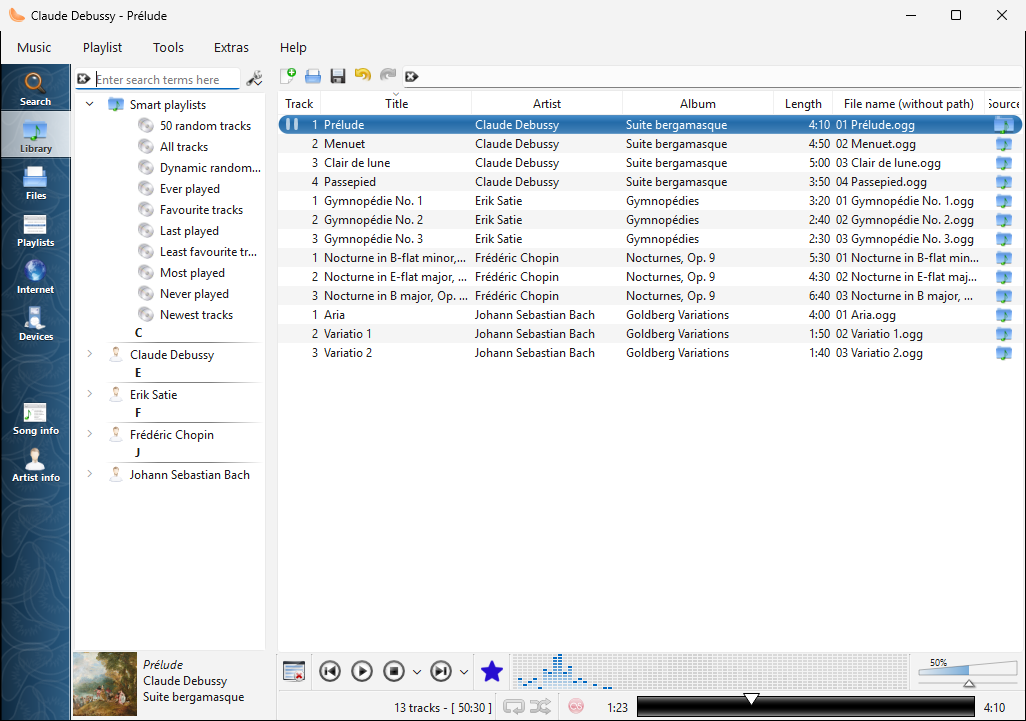
Kirjastossa Windows |
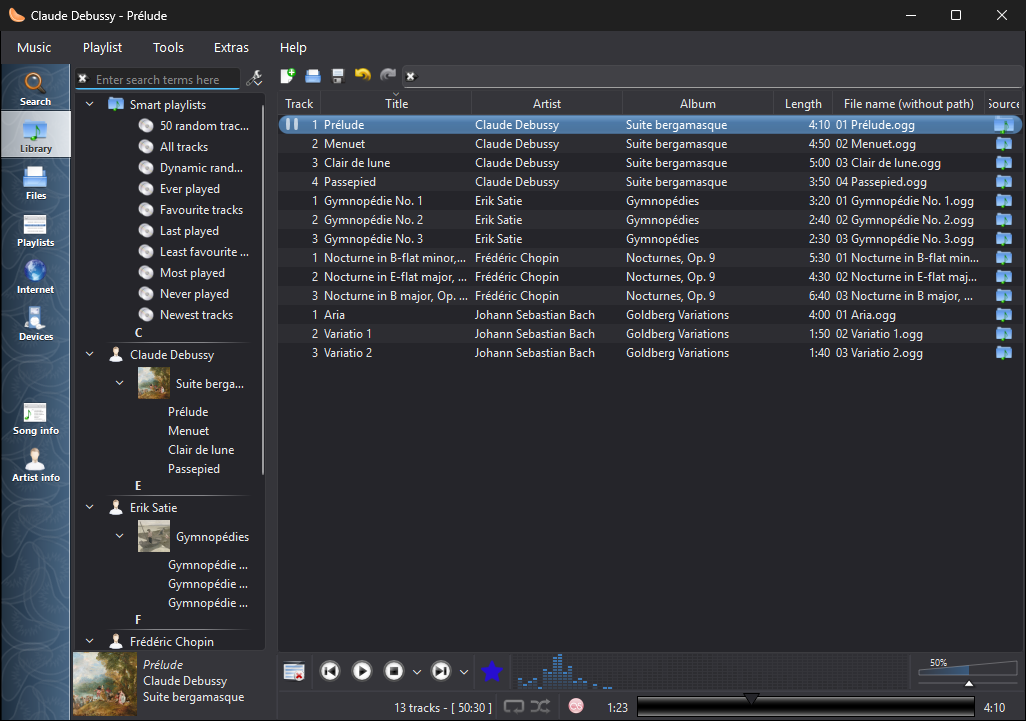
Kirjastossa Windows, tummalla teemalla |
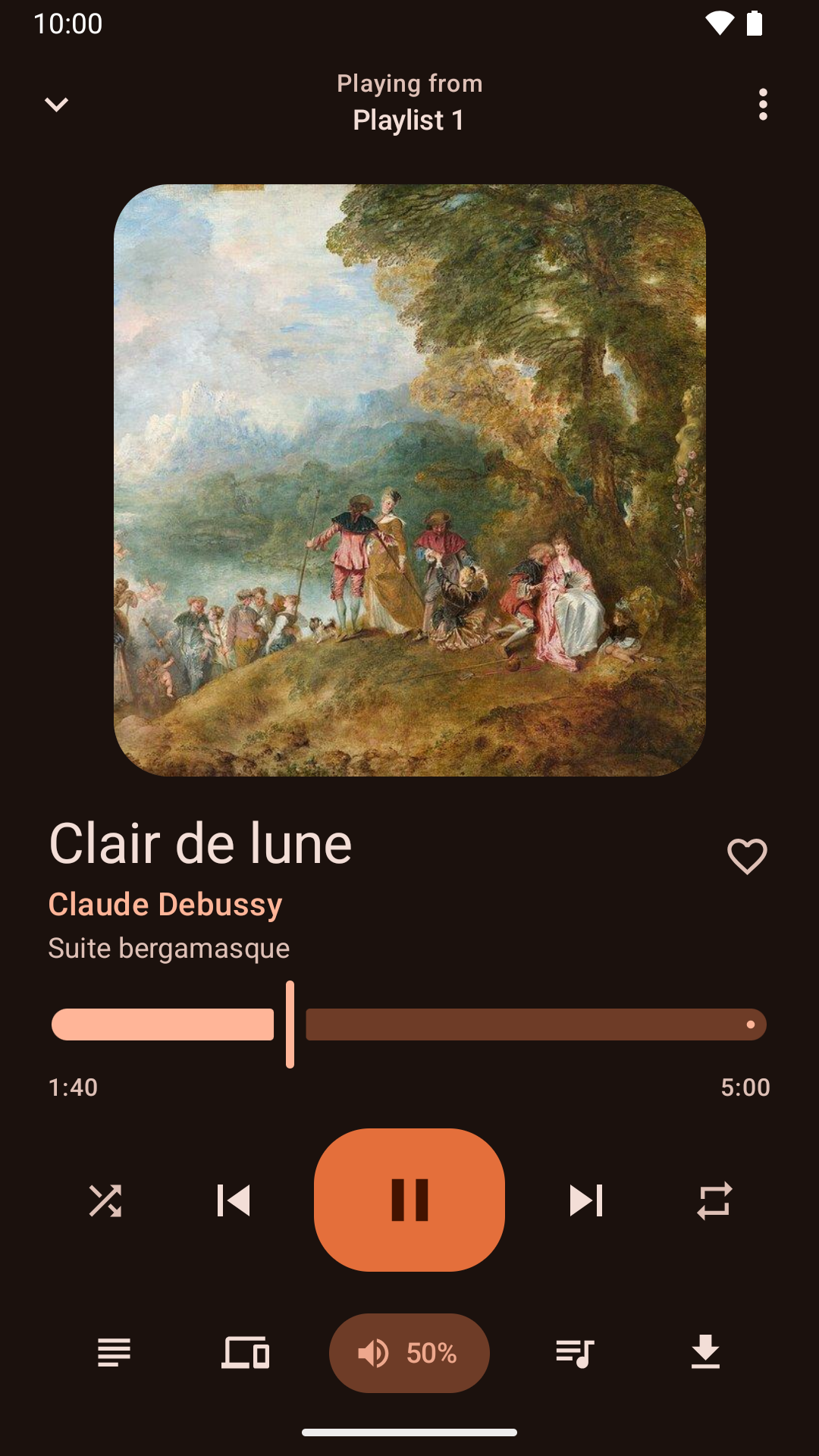
Toiston ohjausta Android-sovelluksella |
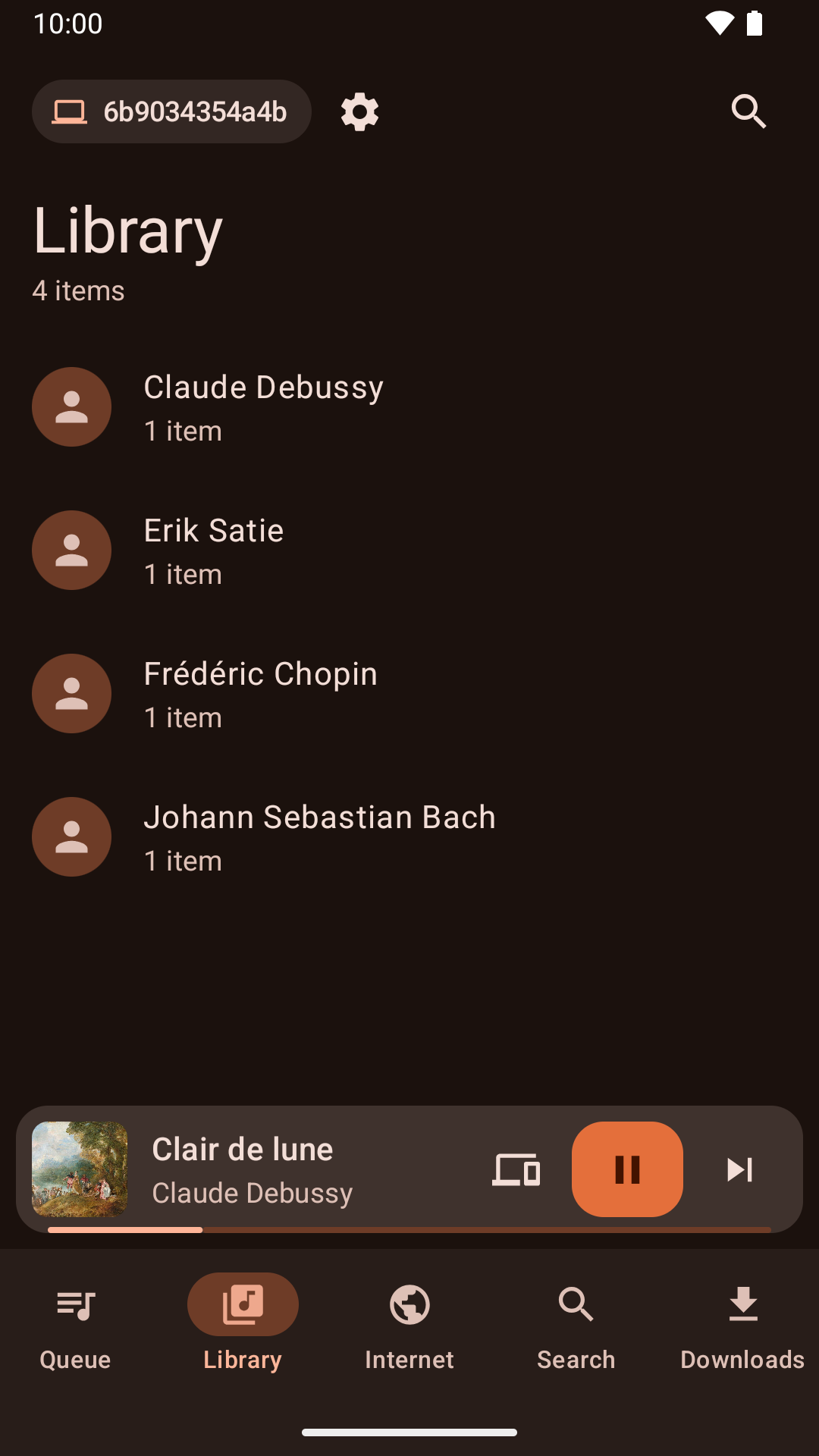
Kirjaston selaaminen Android-sovelluksella |
Uutisia
Version 1.4.3 released - maanantai 26. lokakuuta 2026
- About Clementine and About Qt work again in the macOS application menu.
- With the theme following the system, Clementine switches between light and dark as soon as the system does.
- On macOS, Plex tracks and other streams from servers with newer certificates now play, instead of failing with "Internal data stream error".
- The Dock icon's play and pause badge fits in with current macOS, and the icon is sharp on Retina screens.
- On Retina screens, the playlist's Source column shows its icons at full size again.
- On macOS, Clementine's icons use the system's SF Symbols: sharp at any size, and following light and dark mode.
- Clementine Remote no longer mixes up songs Clementine can't read (a missing file, say) with a playlist's first song.
- Clementine Remote shows songs Clementine can't read (a missing file, say) as the playlist does, rather than as empty rows.
- The tray icon's play and pause badge is now visible on dark panels.
- Remotes name this computer by its host name when choosing where to play.
- Fixed an occasional crash while Clementine reads tags, such as when scanning the library.
- The remote control settings link to the new Clementine Remote for Android on Google Play.
- The remote control settings no longer link to ClemRemote, the alternative remote app.
- Play music on a Chromecast or other Google Cast device: turn on "Allow playing on remote devices" in the network remote settings, then choose the device with the Cast button next to the volume slider.
- Album covers in the now-playing area are now sharp on high-resolution screens.
- Under GNOME, Clementine uses GNOME's own icons for its buttons and menus, matching the rest of the desktop in light and dark mode.
- Clementine has numbered releases again, every week there's something new. Development builds from every change are pre-releases on GitHub.
- Fixed streams sometimes never starting when they're opened as Clementine starts, from the command line or a remote.
- Fixed adding songs and streams from a remote's Browse tab on Ubuntu 24.04 and Debian 12.
- Streams that connect but send nothing now fail after five seconds with an error, instead of waiting for ever.
- Clementine's scalable icon is now square, as Linux app launchers expect.