
Опис и могућности
- Претражујте и преслушавајте вашу локалну музичку библиотеку.
- Слушајте интернет радио са SomaFM, Digitally Imported, RadioTunes, JAZZRADIO.com, ROCKRADIO.com, ClassicalRadio.com, Intergalactic FM, Radio-Browser.info и Icecast.
- Browse and play music from Jamendo, Magnatune, Subsonic servers и Plex Media Servers.
- Претражујте и пуштајте песме које сте учитали на Box, Dropbox, Google Drive, OneDrive и Seafile.
- Scrobble what you play to Last.fm.
- Правите паметне и динамичке листе нумера.
- Tabbed playlists, import and export M3U, XSPF, PLS, ASX and WPL.
- Подршка за ЦУЕ листове.
- Пуштајте аудио ЦД-е.
- Equalizer and moodbar.
- Визуелизације од projectM.
- Lyrics from your own files and LRCLIB, shown in time with the song where they're timed.
- Artist biographies and photos.
- Transcode music into MP3, Ogg Vorbis, Ogg Opus, Ogg Speex, FLAC, AAC, WMA or WAV.
- Edit tags and organise your music.
- Добавите недостајуће ознаке са Мјузикбрејнз сервиса.
- Discover, download and sync podcasts with gpodder.net.
- Download missing album cover art from Last.fm, MusicBrainz and Discogs.
- Cross-platform - works on Windows, macOS and Linux.
- Light and dark themes, or follow your system's.
- Native desktop notifications and media controls on Linux, macOS and Windows.
- Remote control using an Android device, an iPhone or iPad, Wii даљински, МПРИС или командну линију.
- With Clementine Remote, browse your library and internet services, download songs, and play Clementine's music on your phone.
- Копирајте музику на ваш iPod, MTP or mass-storage USB player.
- Менаџер редоследа.
Clementine је модеран музички плејер и организатор библиотеке
Клементина је мултиплатформски музички плејер. Инспирисана је Amarok 1.4, фокусирајући се на брзо и лако за коришћење сучеље за претрагу и пуштање ваше музике.

Даљински за Клементину
Даљинска контрола помоћу вашег Андроид телефона
Want every change as soon as it's made? Join the beta for development builds.
Google Play and the Google Play logo are trademarks of Google LLC.
Снимци екрана
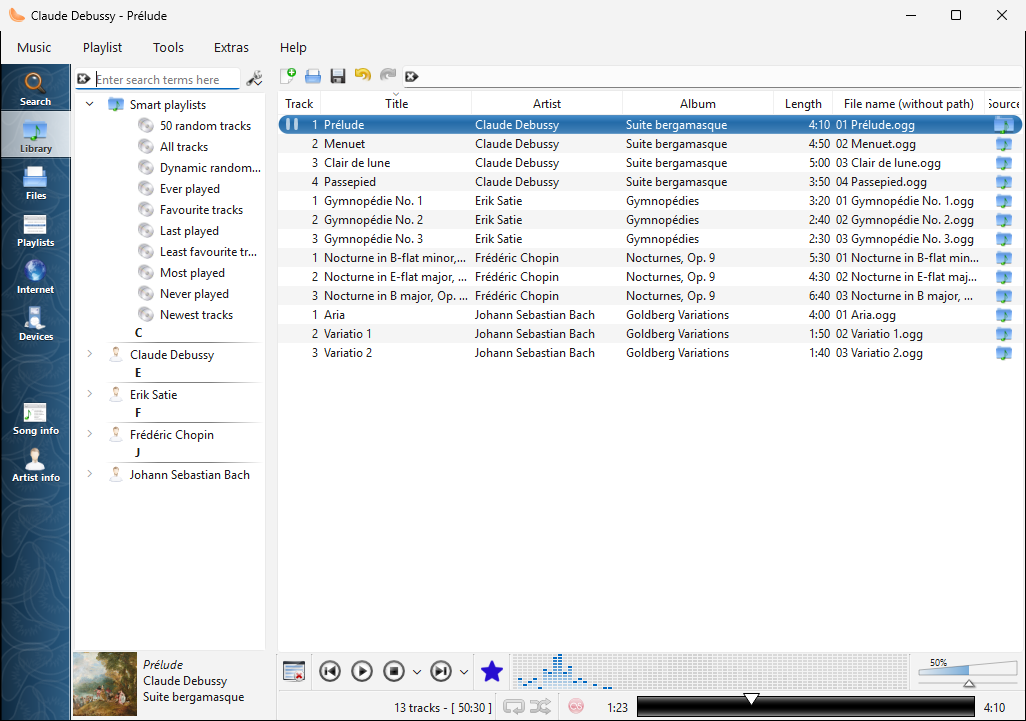
The library on Windows |
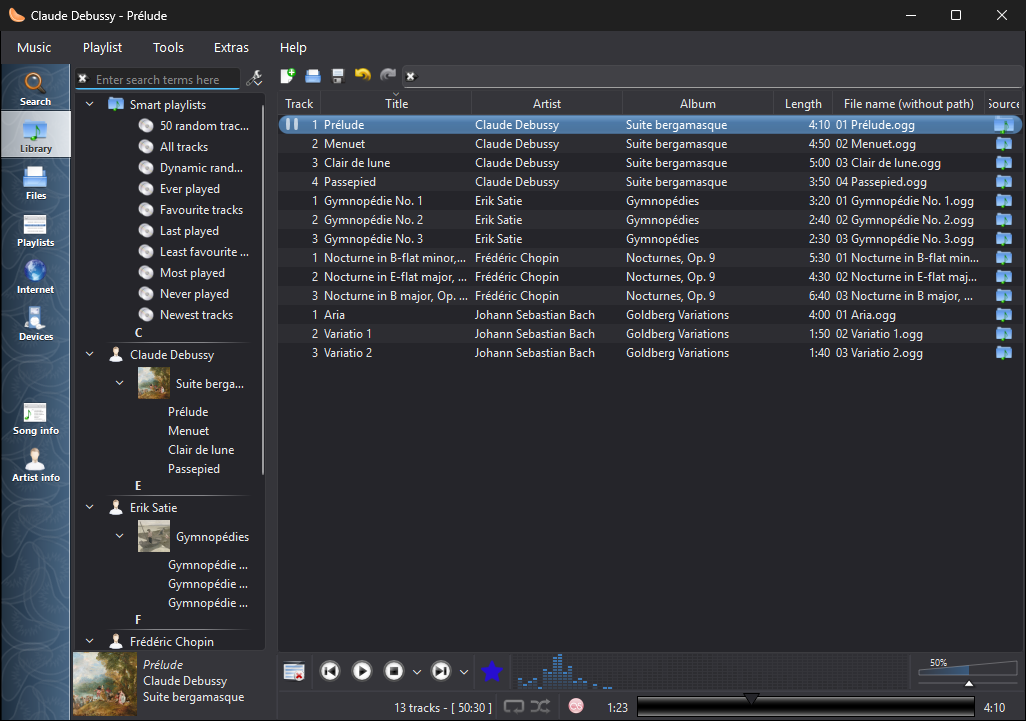
The library on Windows, in the dark theme |
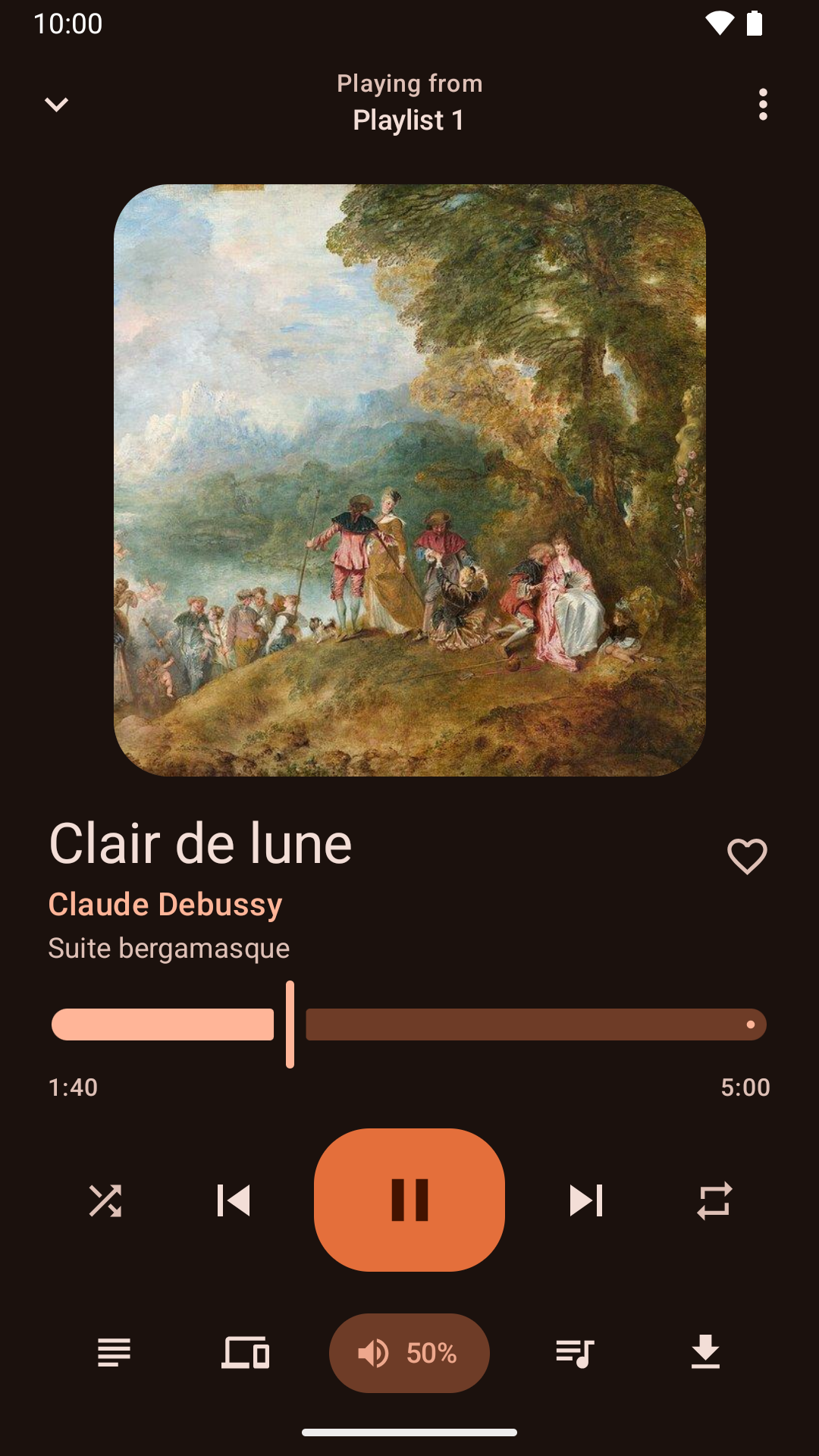
Управљање пуштањем са Андроид апликације |
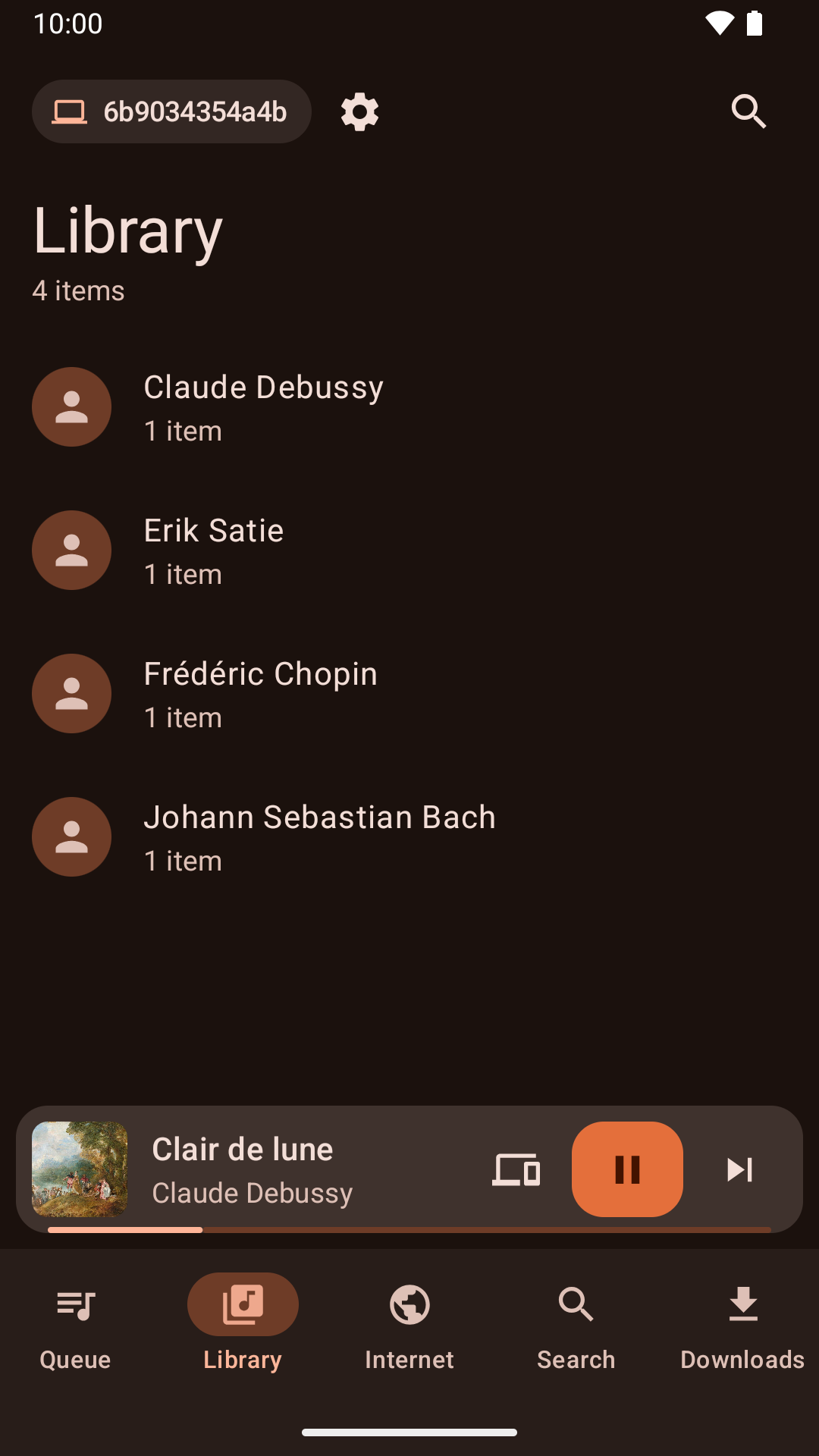
Browsing the library from the Android app |
Новости
Version 1.4.3 released - понедељак, 26. октобар 2026.
- About Clementine and About Qt work again in the macOS application menu.
- With the theme following the system, Clementine switches between light and dark as soon as the system does.
- On macOS, Plex tracks and other streams from servers with newer certificates now play, instead of failing with "Internal data stream error".
- The Dock icon's play and pause badge fits in with current macOS, and the icon is sharp on Retina screens.
- On Retina screens, the playlist's Source column shows its icons at full size again.
- On macOS, Clementine's icons use the system's SF Symbols: sharp at any size, and following light and dark mode.
- Clementine Remote no longer mixes up songs Clementine can't read (a missing file, say) with a playlist's first song.
- Clementine Remote shows songs Clementine can't read (a missing file, say) as the playlist does, rather than as empty rows.
- The tray icon's play and pause badge is now visible on dark panels.
- Remotes name this computer by its host name when choosing where to play.
- Fixed an occasional crash while Clementine reads tags, such as when scanning the library.
- The remote control settings link to the new Clementine Remote for Android on Google Play.
- The remote control settings no longer link to ClemRemote, the alternative remote app.
- Play music on a Chromecast or other Google Cast device: turn on "Allow playing on remote devices" in the network remote settings, then choose the device with the Cast button next to the volume slider.
- Album covers in the now-playing area are now sharp on high-resolution screens.
- Under GNOME, Clementine uses GNOME's own icons for its buttons and menus, matching the rest of the desktop in light and dark mode.
- Clementine has numbered releases again, every week there's something new. Development builds from every change are pre-releases on GitHub.
- Fixed streams sometimes never starting when they're opened as Clementine starts, from the command line or a remote.
- Fixed adding songs and streams from a remote's Browse tab on Ubuntu 24.04 and Debian 12.
- Streams that connect but send nothing now fail after five seconds with an error, instead of waiting for ever.
- Clementine's scalable icon is now square, as Linux app launchers expect.