
Informazioni e funzionalità
- Cercare e riprodurre la propria raccolta musicale locale.
- Ascoltare radio via internet da SomaFM, Digitally Imported, RadioTunes, JAZZRADIO.com, ROCKRADIO.com, ClassicalRadio.com, Intergalactic FM, Radio-Browser.info e Icecast.
- Sfoglia e riproduci musica da Jamendo, Magnatune, Server Subsonic e Server Plex Media.
- Cercare e riprodurre il brano caricato su Box, Dropbox, Google Drive, OneDrive e Seafile.
- Invia i dati di ciò che riproduci su Last.fm.
- Creare scalette veloci e scalette dinamiche
- Scalette a schede, importazione ed esportazione M3U, XSPF, PLS, ASX e WPL.
- Supporto CUE sheet.
- Riproduzione CD audio.
- Equalizzatore e barra dell'atmosfera
- Visualizzazioni da projectM.
- Testi dai tuoi file e LRCLIB, mostrati a tempo con il brano dove sono sincronizzati.
- Biografie e foto degli artisti.
- Transcodifica la musica in MP3, Ogg Vorbis, Ogg Opus, Ogg Speex, FLAC, AAC, WMA o WAV.
- Modifica i tag e organizza la tua musica.
- Scaricare i tag mancanti da MusicBrainz.
- Scopri, scarica e sincronizza i podcast con gpodder.net.
- Scarica le copertine degli album mancanti da Last.fm, MusicBrainz e Discogs.
- Multi-piattaforma - funziona su Windows, macOS e Linux.
- Temi chiari e scuri, o usa quello del tuo sistema.
- Notifiche desktop native e controlli multimediali su Linux, macOS e Windows.
- Controllo remoto utilizzando un dispositivo Android, un iPhone o iPad, un Wii Remote, MPRIS o la riga di comando
- Con Clementine Remote, sfoglia la tua raccolta e i servizi Internet, scarica brani e ascolta la musica di Clementine sul tuo telefono.
- Copiare musica sul proprio Lettore di iPod, MTP o memorie di massa USB.
- Gestore della coda.
Clementine è un moderno lettore musicale e organizzatore della raccolta
Clementine è un lettore musicale multipiattaforma. È ispirato a Amarok 1.4, pone l'attenzione su un'interfaccia veloce e facile da usare per ricercare e riprodurre la propria musica.

Clementine Remote
Controlla Clementine da remoto tramite il tuo telefono Android
Vuoi ricevere ogni modifica non appena viene apportata? Iscriviti al programma beta per le versioni di sviluppo.
Google Play and the Google Play logo are trademarks of Google LLC.
Schermate
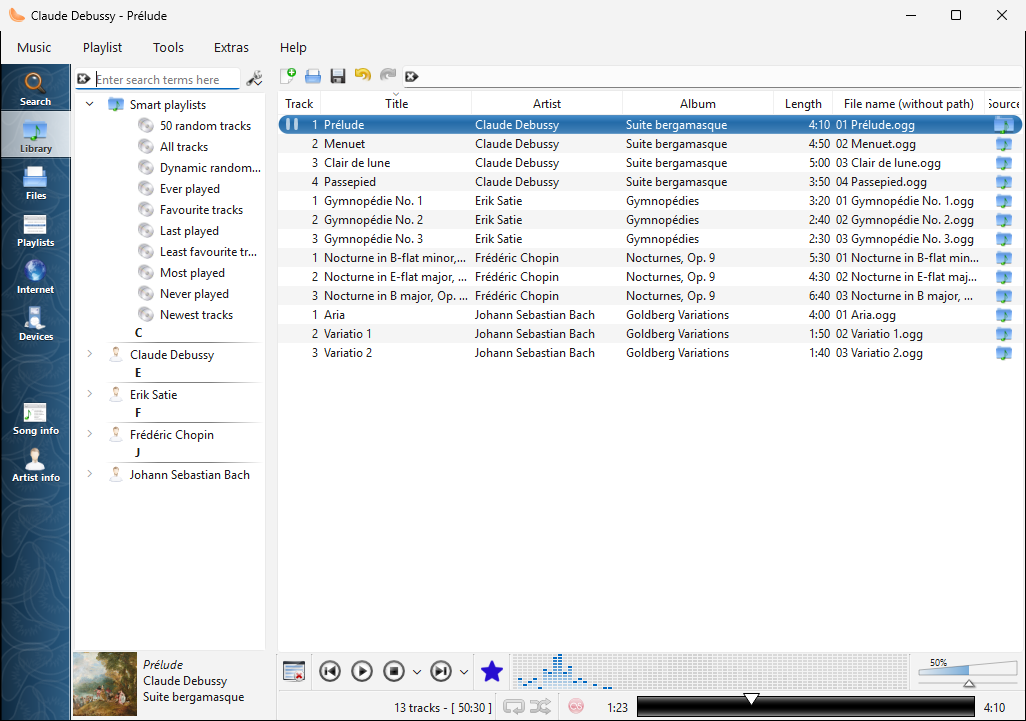
La raccolta su Windows |
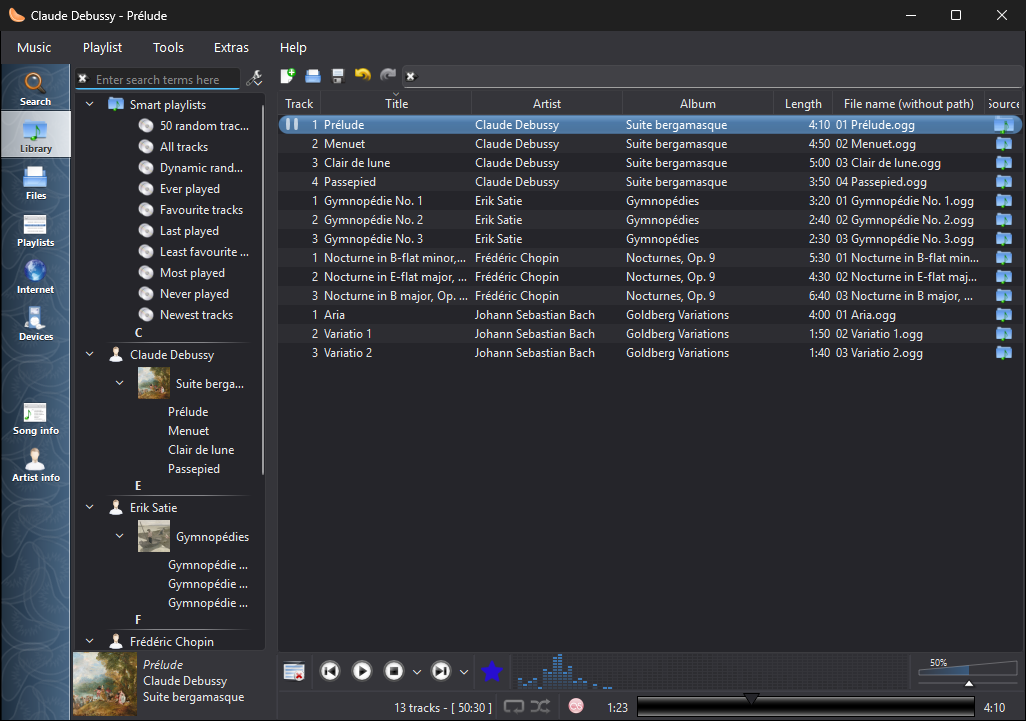
La raccolta su Windows, nel tema scuro |
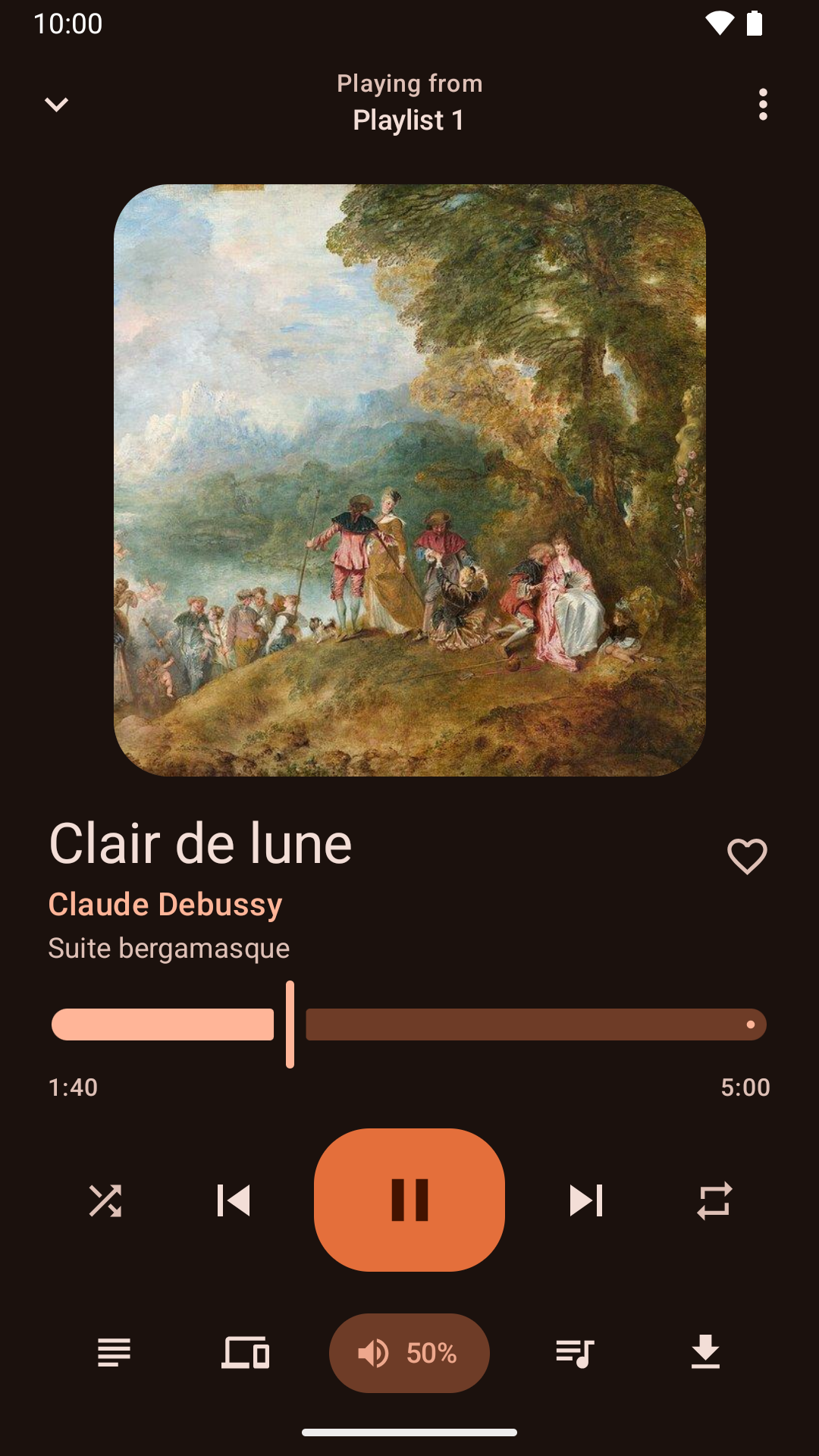
Controllo della riproduzione dall'applicazione Android |
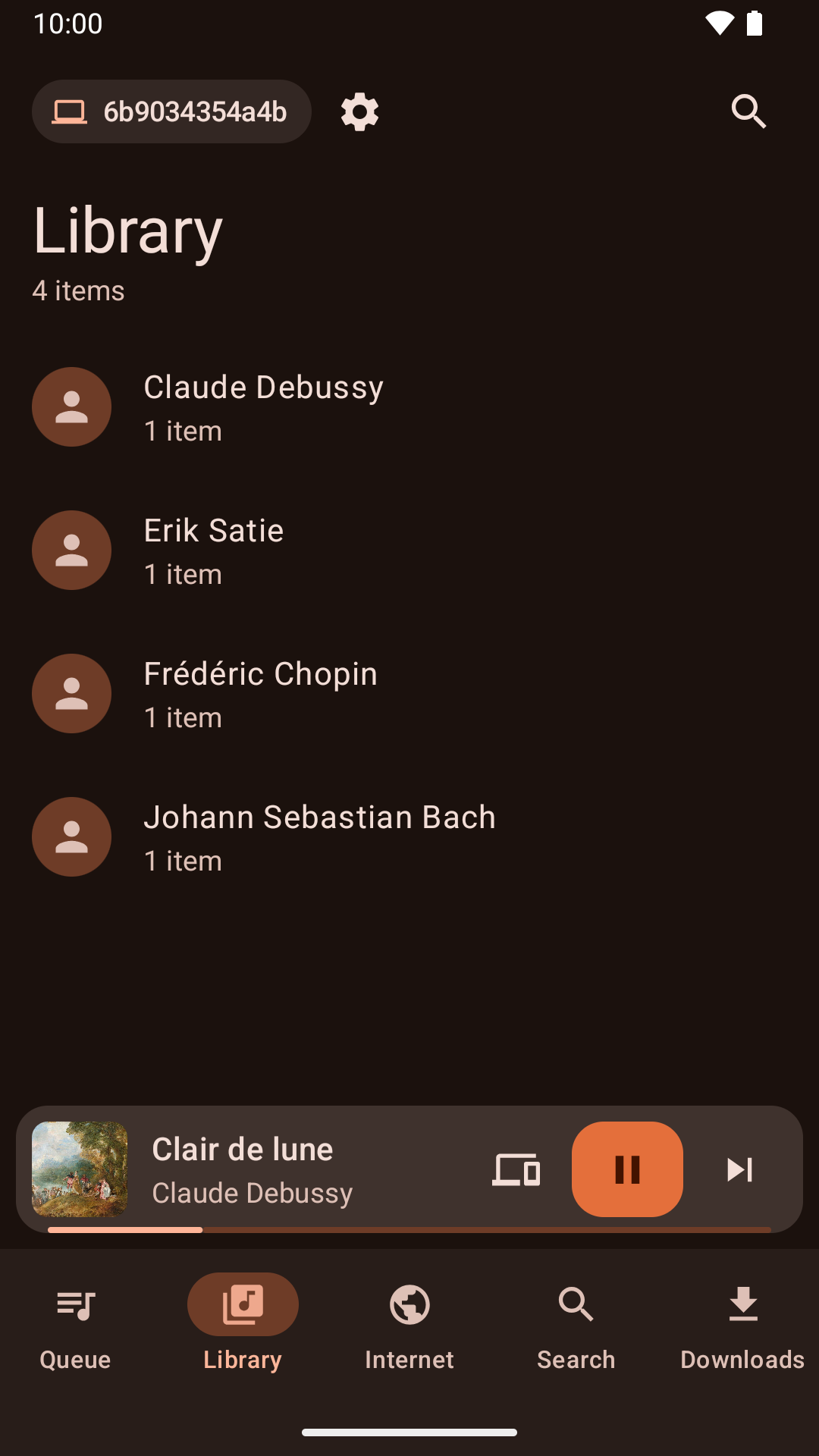
Sfogliare la raccolta dall'applicazione Android |
Notizie
Version 1.4.3 released - lunedì 26 ottobre 2026
- About Clementine and About Qt work again in the macOS application menu.
- With the theme following the system, Clementine switches between light and dark as soon as the system does.
- On macOS, Plex tracks and other streams from servers with newer certificates now play, instead of failing with "Internal data stream error".
- The Dock icon's play and pause badge fits in with current macOS, and the icon is sharp on Retina screens.
- On Retina screens, the playlist's Source column shows its icons at full size again.
- On macOS, Clementine's icons use the system's SF Symbols: sharp at any size, and following light and dark mode.
- Clementine Remote no longer mixes up songs Clementine can't read (a missing file, say) with a playlist's first song.
- Clementine Remote shows songs Clementine can't read (a missing file, say) as the playlist does, rather than as empty rows.
- The tray icon's play and pause badge is now visible on dark panels.
- Remotes name this computer by its host name when choosing where to play.
- Fixed an occasional crash while Clementine reads tags, such as when scanning the library.
- The remote control settings link to the new Clementine Remote for Android on Google Play.
- The remote control settings no longer link to ClemRemote, the alternative remote app.
- Play music on a Chromecast or other Google Cast device: turn on "Allow playing on remote devices" in the network remote settings, then choose the device with the Cast button next to the volume slider.
- Album covers in the now-playing area are now sharp on high-resolution screens.
- Under GNOME, Clementine uses GNOME's own icons for its buttons and menus, matching the rest of the desktop in light and dark mode.
- Clementine has numbered releases again, every week there's something new. Development builds from every change are pre-releases on GitHub.
- Fixed streams sometimes never starting when they're opened as Clementine starts, from the command line or a remote.
- Fixed adding songs and streams from a remote's Browse tab on Ubuntu 24.04 and Debian 12.
- Streams that connect but send nothing now fail after five seconds with an error, instead of waiting for ever.
- Clementine's scalable icon is now square, as Linux app launchers expect.